What you can do with Arya 900 Local Assistant
A plain-language guide for everyday Windows users — not developers. The app UI is available in multiple languages: Romanian, English, Arabic, Hebrew, Chinese, Spanish, and Russian.
Arya 900 Local Assistant is a Windows app that lets you chat with an AI that runs on your own computer. You do not need to send everyday conversations to a cloud company to get answers. Once you install it and add a local model file, you can type questions and get replies while your words stay on your PC.
Chat without sending your words to the cloud
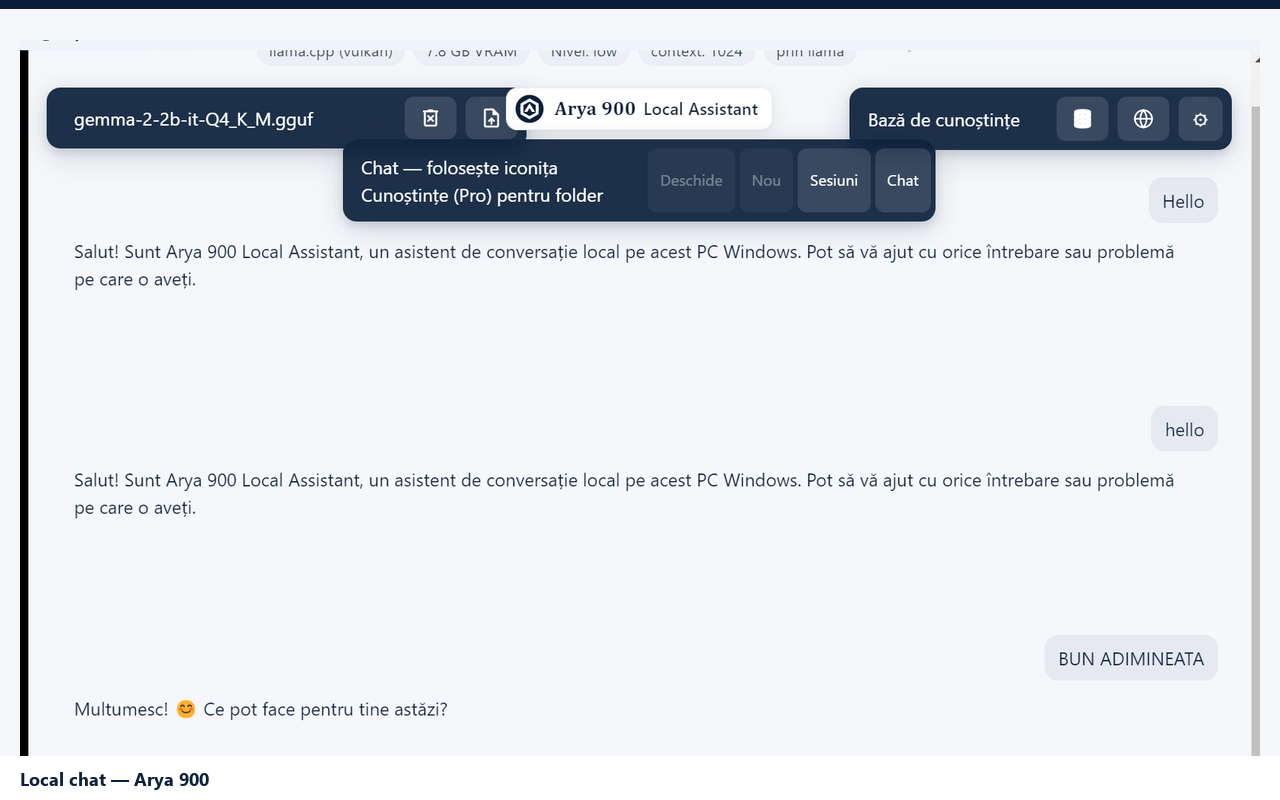
The main thing people use Arya 900 for is simple conversation. You open the app, load a local model (a GGUF file that fits your machine), and start typing. You can ask it to explain something, rewrite a paragraph, brainstorm ideas, or help you draft a short message. For Free personal light use, that chat is designed to stay on your device—so notes about work, family, school, or private projects do not have to leave your hard drive just to get help from an AI.
That matters if you are on a laptop in a café, on a train with weak Wi‑Fi, or on a work PC where you prefer not to paste sensitive text into a website. Arya 900 is built for those moments: open the app, talk to the model, close it, and your chats live in your Windows user data—not in someone else’s online account.
Everyday writing and thinking help
You do not need to be a developer to get value from it. Typical uses look like normal desk work:
- Draft and polish text. Start with a rough email, note, or outline and ask the assistant to make it clearer, shorter, or more polite.
- Explain things in plain language. Paste a confusing paragraph from a document or a topic you are learning and ask for a simple explanation.
- Brainstorm without an audience. List ideas for a presentation, a trip, a hobby project, or a problem you are stuck on—privately, on your machine.
- Practice another language. Switch the app interface language (including Romanian and English) and use the chat to practice phrasing or check wording.
- Work offline. After the model is on your disk, you can keep chatting when the network is poor or unavailable. That is the point of “local” AI: help that does not depend on a constant internet connection for Free chat.
Models that fit your PC
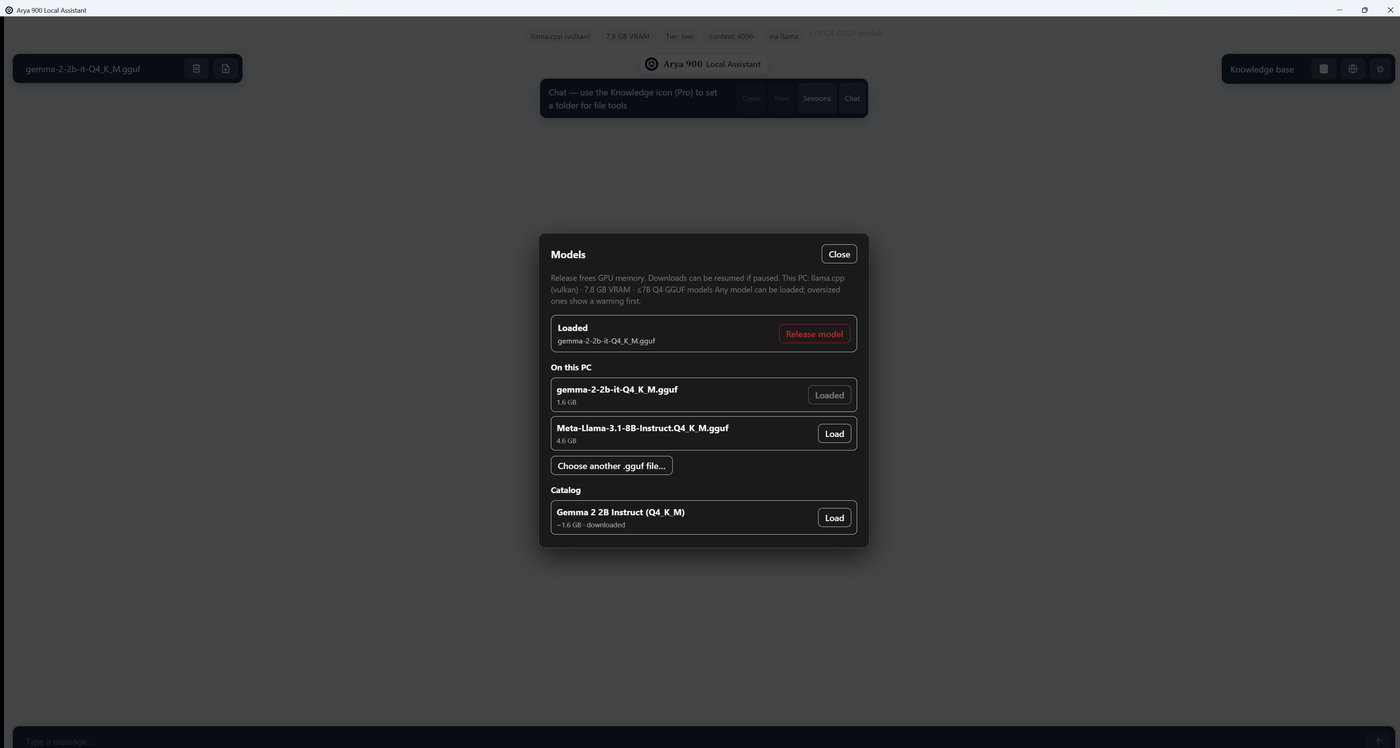
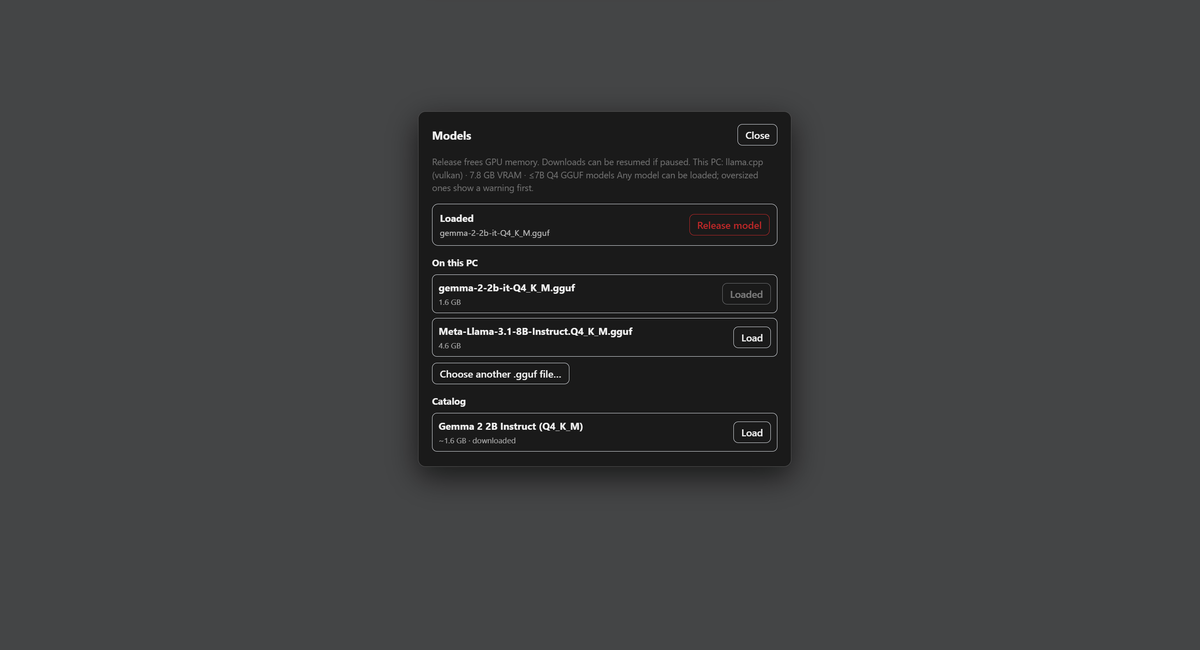
Arya 900 does not force one giant online model. You choose a local GGUF model that matches your hardware. Smaller models run on modest PCs; larger ones need more RAM or an NVIDIA GPU if you have one. The Free installer is for Windows 10/11 x64. As a rule of thumb, plan for enough free disk space for the app plus your models, and at least 8 GB of RAM (16 GB or more is more comfortable for bigger models).
You stay in control: pick the model, load it when you need it, and release it when you want to free memory. That is more hands-on than a website chatbot, but it is also why your chats can stay private and why the app can work offline.
Who it is for
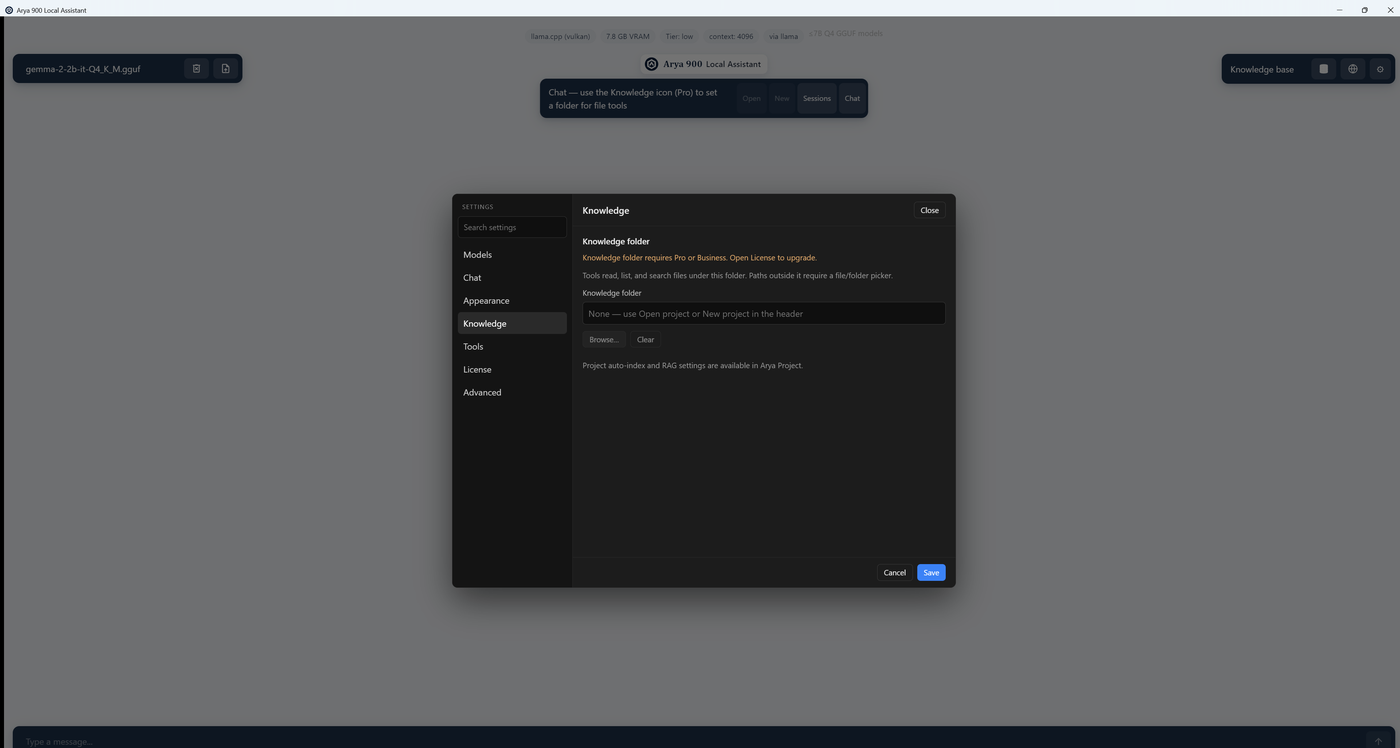
Arya 900 is a good fit if you want AI help that feels like a normal desktop program, you care about keeping Free chats on your machine, and you are willing to install a model file once so the app can run without depending on a hosted AI API for everyday talk. It is less ideal if you only want a browser tab with no setup, or if you need Pro Knowledge tools before they are available.
In short: install Free on Windows, add a local model, and use Arya 900 to draft, explain, brainstorm, and chat—in your language, on your PC, with privacy designed for normal people who do not want every casual conversation to leave the house.